Storyblocks Video Downloaders Review: Which Method Works Best?

Storyblocks offers a large collection of royalty-free stock videos for creators, businesses, and marketers. While subscribers can download videos directly from the platform, saving multiple files one by one can become time-consuming.
Fortunately, there are several ways to simplify the process of downloading Storyblocks Videos. Browser extensions, online downloaders, and dedicated desktop software each offer different advantages depending on your needs. In this review, we’ll compare these Storyblocks video downloading methods and explain which one works best for fast, reliable downloads.
1. Best Browser Video Downloader Extensions For Storyblocks Downloads
Browser extensions are among the easiest ways to download videos from Storyblocks without installing a full desktop application. Once added to Chrome, Edge, or Firefox, these extensions can scan the current Storyblocks webpage for downloadable media and present a list of detected video files.
Some popular video downloader extensions include:
- SnapWC
- Видео DownloadHelper
- Загрузчик видео CocoCut
- FetchV
- HLS-загрузчик
- Профессиональный загрузчик видео
Шаги:
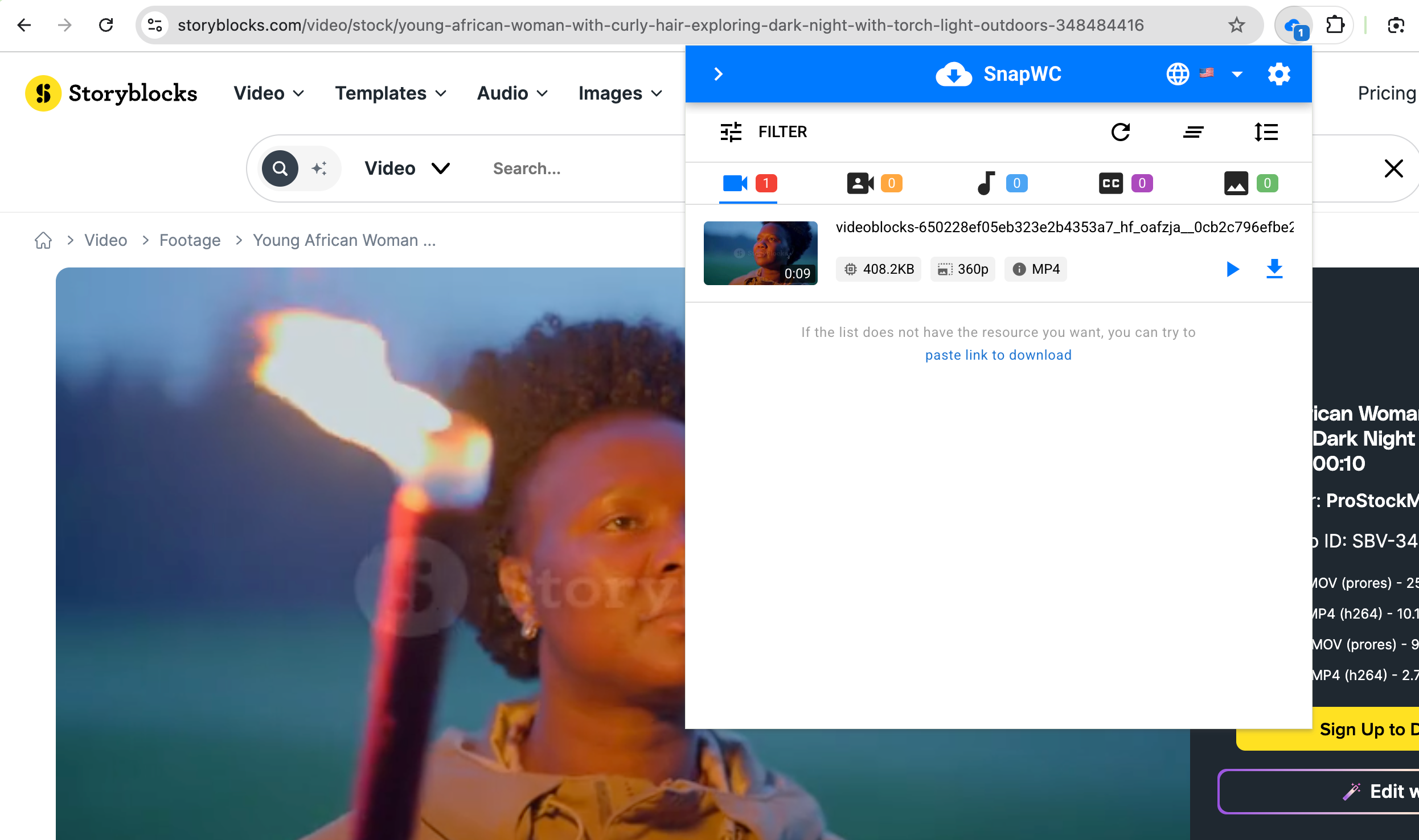
- Install a video downloader extension like SnapWC from your browser’s official extension store.
- Log in to your Storyblocks account, then open the Storyblocks video page you want to download.
- Click the SnapWC extension icon and wait while it scans the page.
- Select the detected Storyblocks video and download it.
Плюсы :
- Easy to install and use
- Works directly in your browser
- Convenient for downloading individual videos
- No separate desktop software required
Минусы :
- May not detect all Storyblocks videos
- Limited support for batch downloads
- Performance varies between extensions
- Can struggle with protected or dynamically loaded content
2. Best Online Storyblocks Video Downloaders For Storyblocks Downloads
Online downloaders eliminate the need to install software. Instead, users simply copy a Storyblocks webpage URL into a website, which attempts to analyze the page and generate downloadable links.
Some popular online downloaders include:
- SteptoDown
- PasteDownload
- SaveFrom alternatives
- TubeОффлайн
- Various browser-based media download services
Шаги:
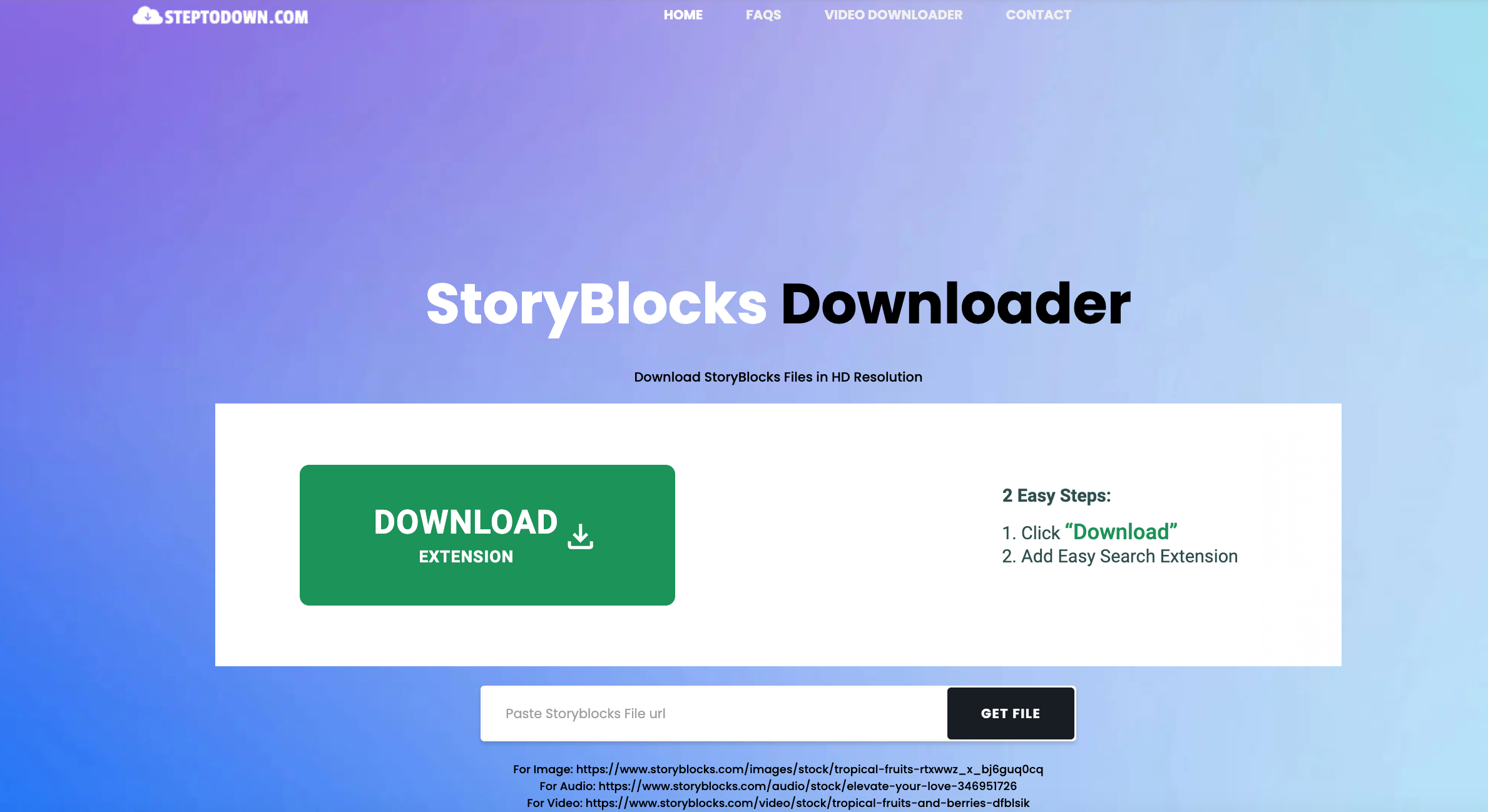
- Copy the Storyblocks video page URL, open an online video downloader like SteptoDown and paste the URL into the input box.
- Click the download or analyze button, then download the detected video if available.
Плюсы :
- Установка программного обеспечения не требуется
- Accessible from any modern web browser
- Простой и удобный для начинающих
- Suitable for occasional downloads
Минусы :
- Limited compatibility with Storyblocks
- Often unable to download protected content
- Usually doesn’t support batch downloads
- May include ads, download limits, or slower speeds
3. Best Video Downloader for Storyblocks Video Downloads – Meget
If you regularly download Storyblocks videos, a dedicated desktop downloader offers the most complete solution. One of the most practical options is Очень , an all-in-one video downloader that supports downloading videos and audio from numerous websites in bulk.
Instead of downloading videos individually through your browser, Meget can detect available videos after you access Storyblocks with your own account. You can then select multiple files and download them together, making it much easier to build a local media library.
Основные особенности Much:
- Support over 10,000 sites, including Storyblocks.
- Download Storyblocks videos in batches while preserving original quality.
- Built-in browser to access and download subscribed videos without watermark.
- Support for multiple video formats and resolutions.
- Simple and user-friendly interface.
How to download Storyblocks videos with Meget :
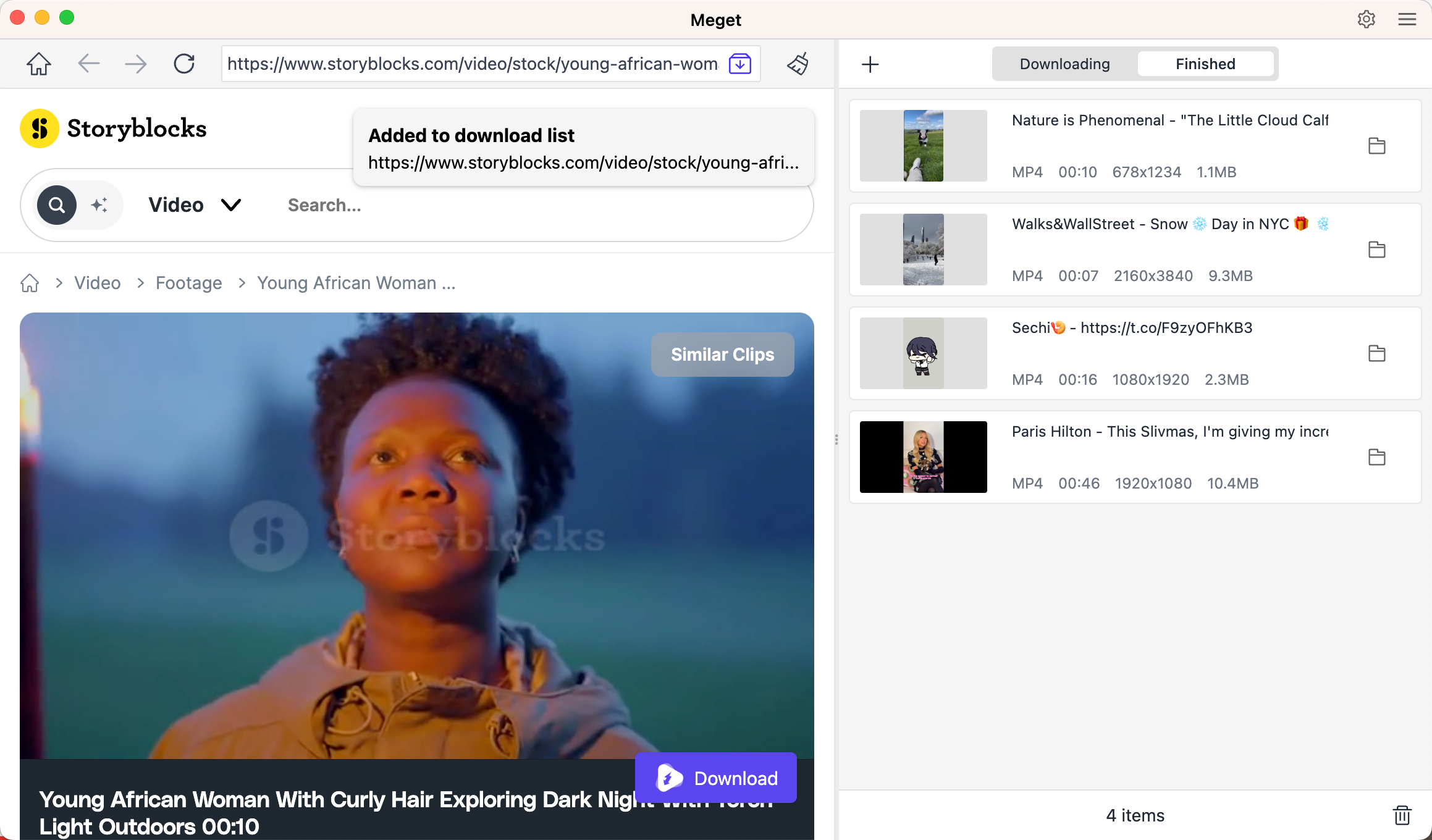
- Install and launch Meget on your computer, then configure your preferred download settings.
- Open the integrated browser and sign in to your Storyblocks account.
- Open and play the Storyblocks video or collection you want to download.
- Click the Download button to add the video to the download list, then repeat the process for other Storyblocks videos.
4. Comparison
| Метод | Простота использования | Массовые загрузки | Надежность | Установка | Лучшее для |
|---|---|---|---|---|---|
| Расширения браузера | ★★★★☆ | Ограниченный | Умеренный | Да | Occasional downloads |
| Онлайн-загрузчики | ★★★☆☆ | Rare | Low to Moderate | Нет | One-time downloads |
| Очень | ★★★★★ | Да | Excellent | Да | Frequent and bulk Storyblocks downloads |
5. Заключение
Several methods are available for downloading Storyblocks videos, but each serves a different purpose. Browser video downloader extensions are convenient for saving a few videos directly from your browser, although their detection capabilities may vary. Online downloaders require no installation but often struggle with subscription-based platforms and usually provide limited functionality.
For users who frequently download Storyblocks content, a dedicated desktop application delivers the best overall experience. Among the available options, Meget stands out thanks to its reliable media detection, fast download speeds, support for batch downloads, and ability to preserve original video quality whenever available. If you’re looking for an efficient way to organize and download multiple Storyblocks videos, Очень is the method most worth considering.